film // time capsule

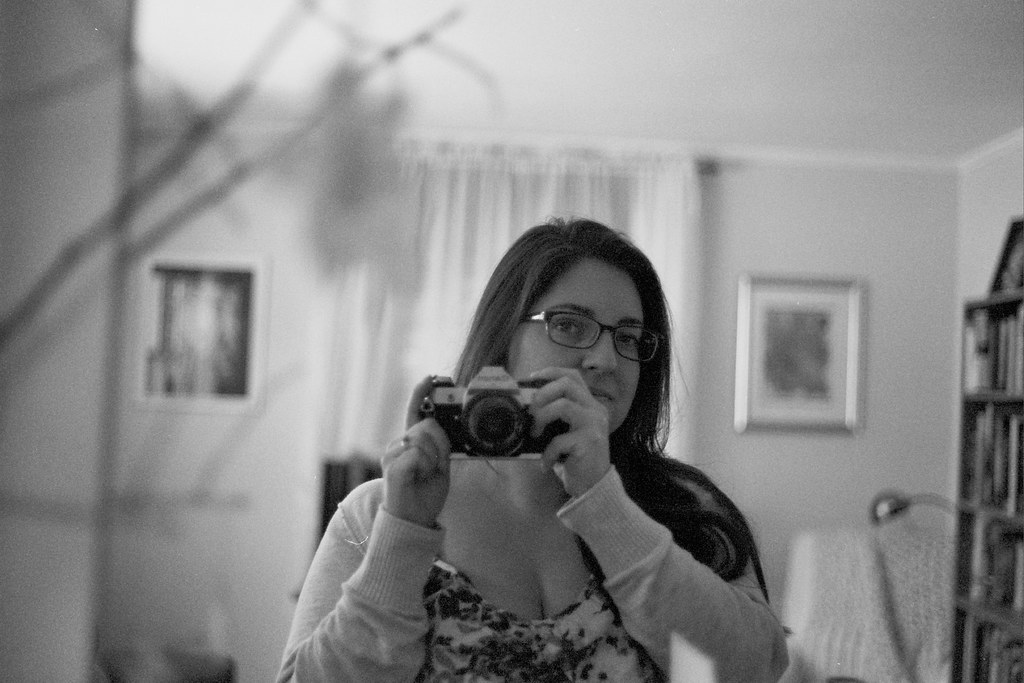
Fourteen years ago I inherited my grandfather’s Canon AE-1 Program 35mm camera because I needed it for a black & white photography class I was taking in college. I used it for the class, and never really picked it up again. I recently thought I might give film another try, so I busted out the old camera. After messing around with it for a few minutes, I realized that there was a partially used roll of film in the camera. I had to find out what was on it, so I finished it up and shot another one with some leftover film that was hanging out in the camera bag.

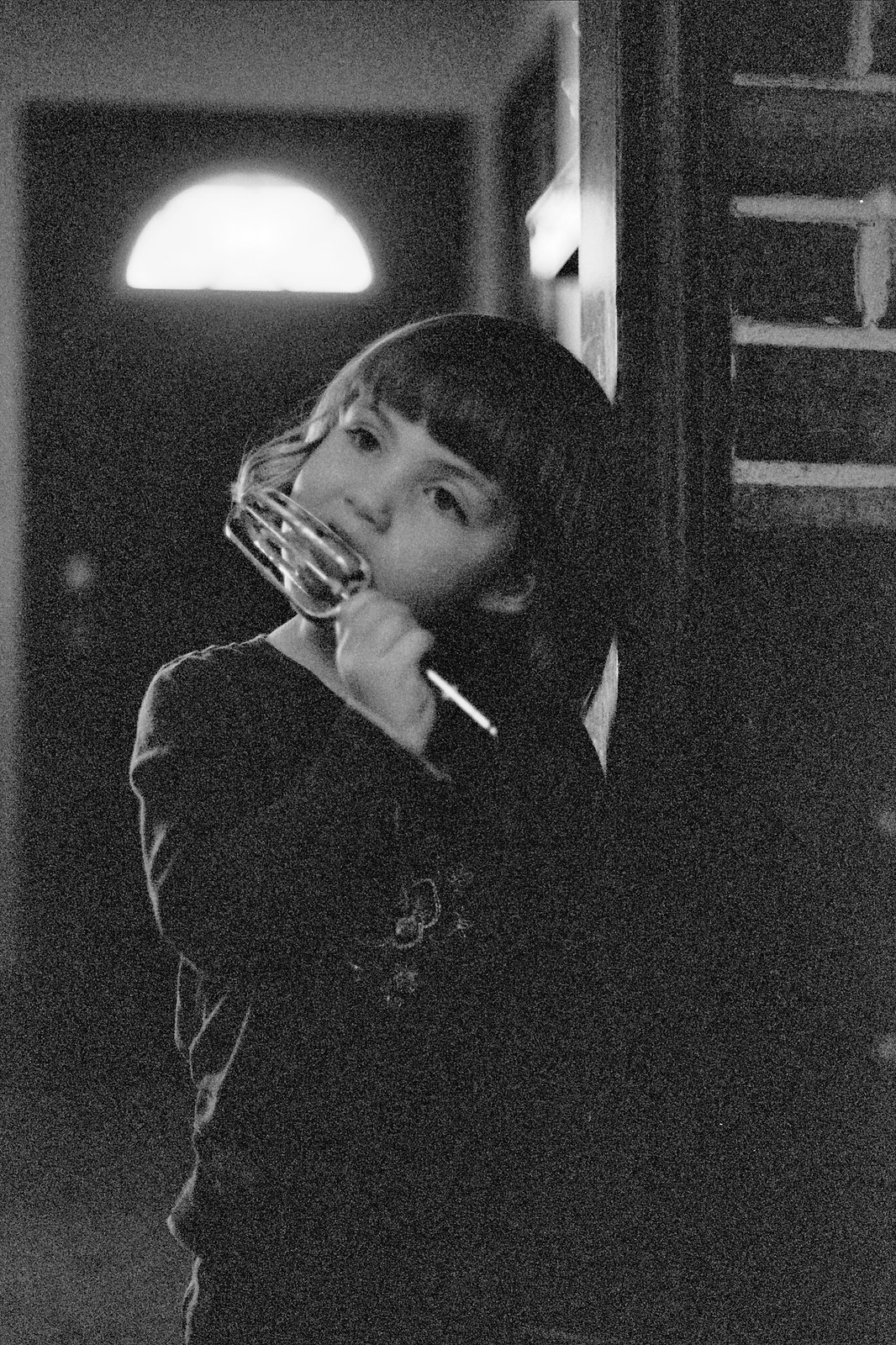
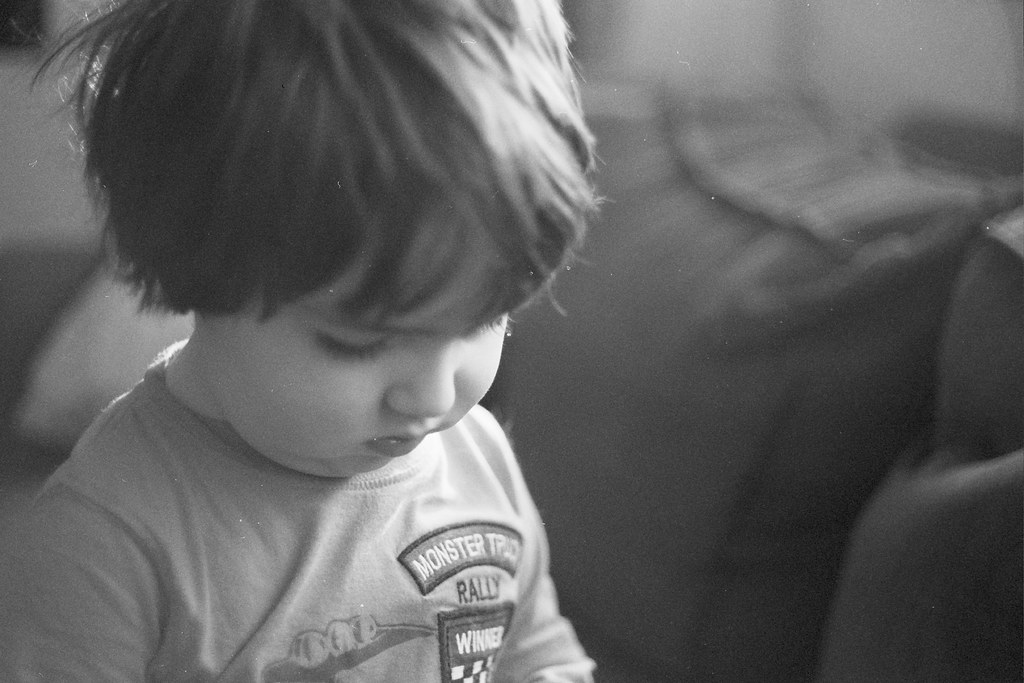
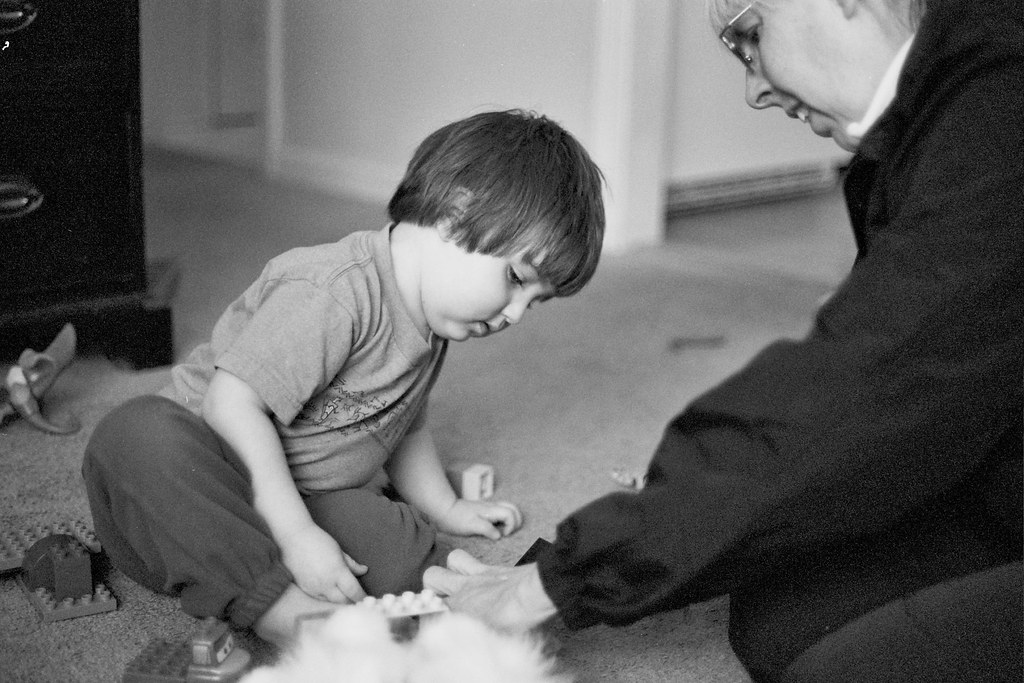
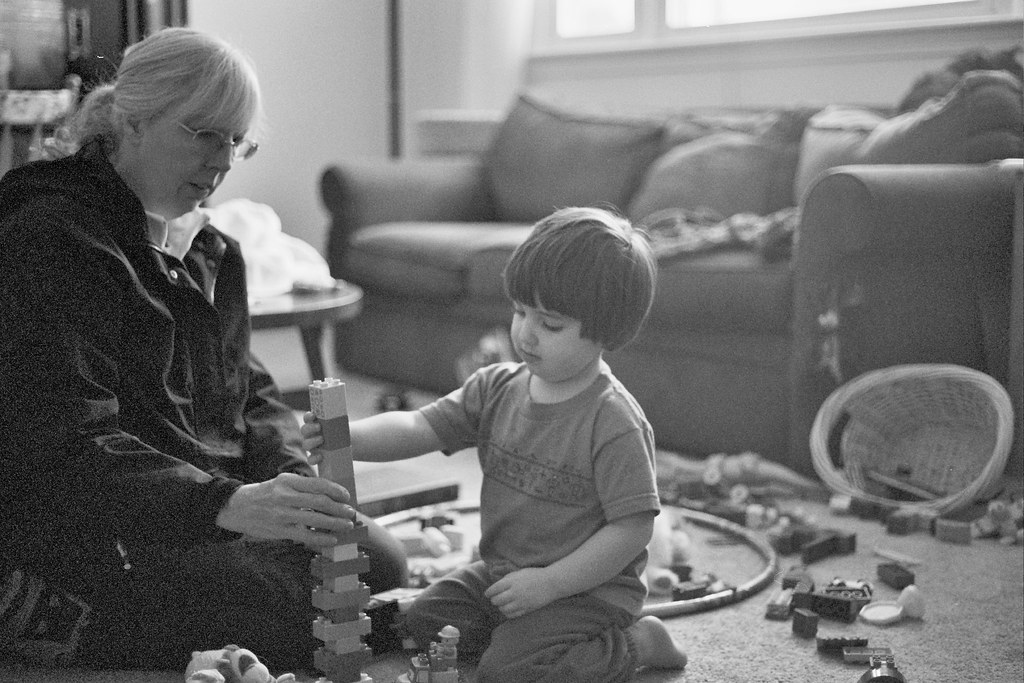
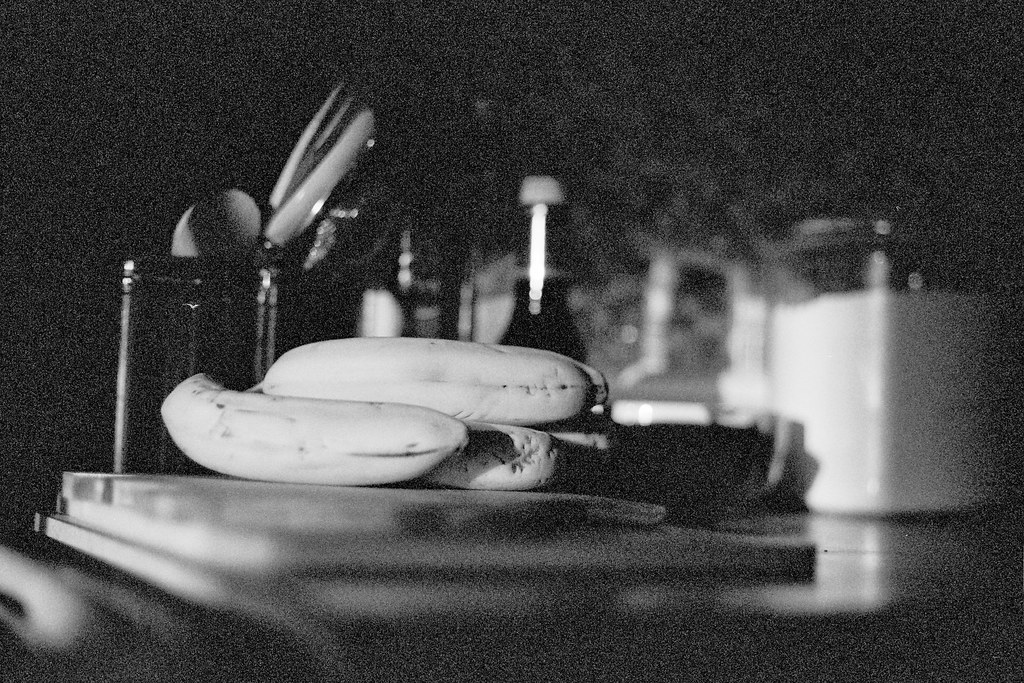
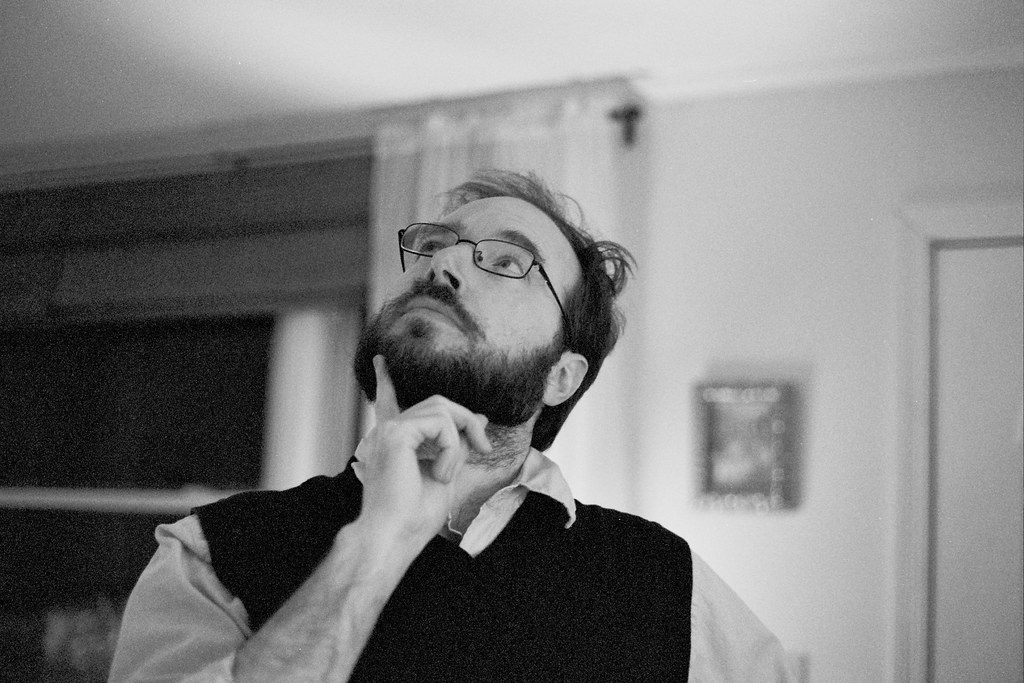
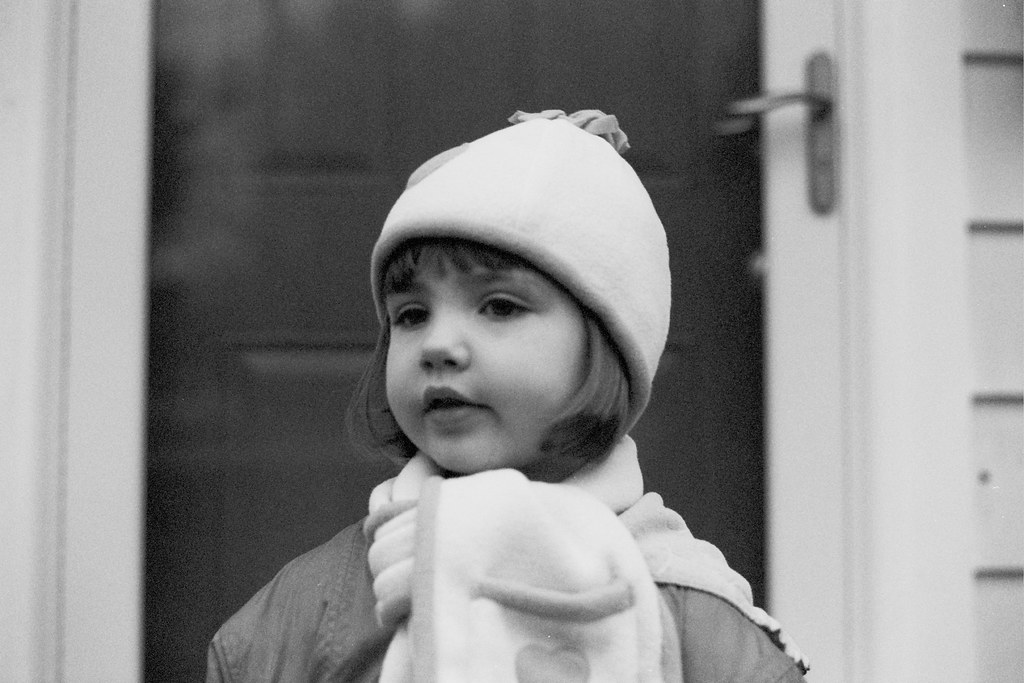
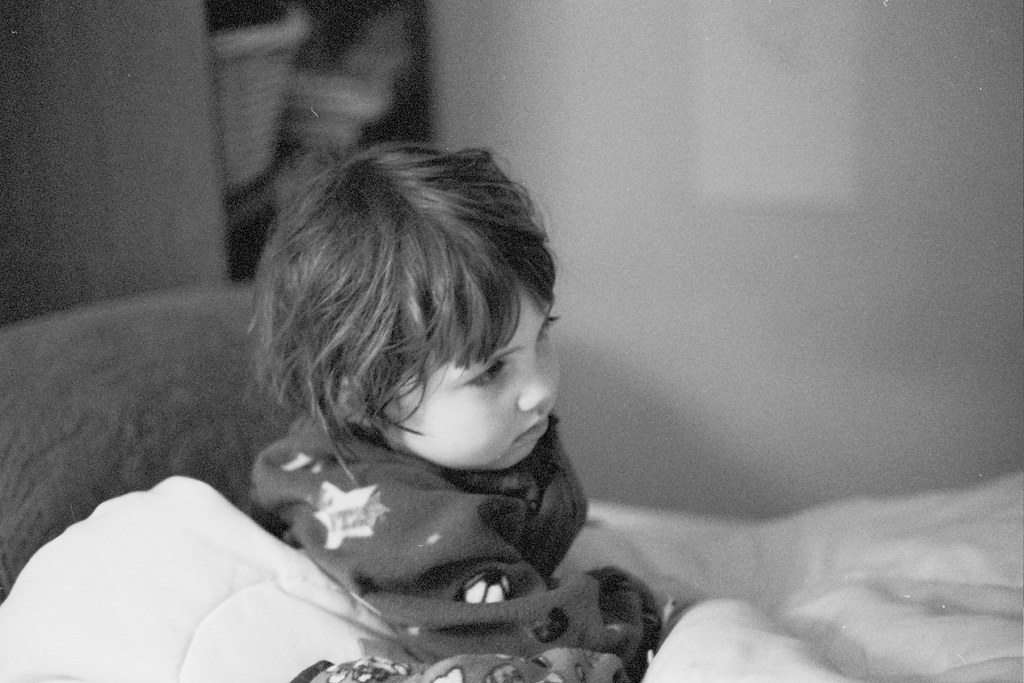
I brought my film to Monadnock Imaging to be developed and printed, fully expecting nothing to come out. The camera is as old as I am and the film is from around the year 2000, so definitely expired. I was pleasantly surprised when I picked up my prints, and I have to give all the credit to the magicians at Monadnock Imaging for being so good at what they do. My prints are like a time capsule (hence the title of this post) full of pictures of a very little Lillia! She looks to be about three years old in the photos so I must have used the camera more recently than I thought, but it was still a looooong time ago. There were also some good ones of Zane and Damian from the present day.

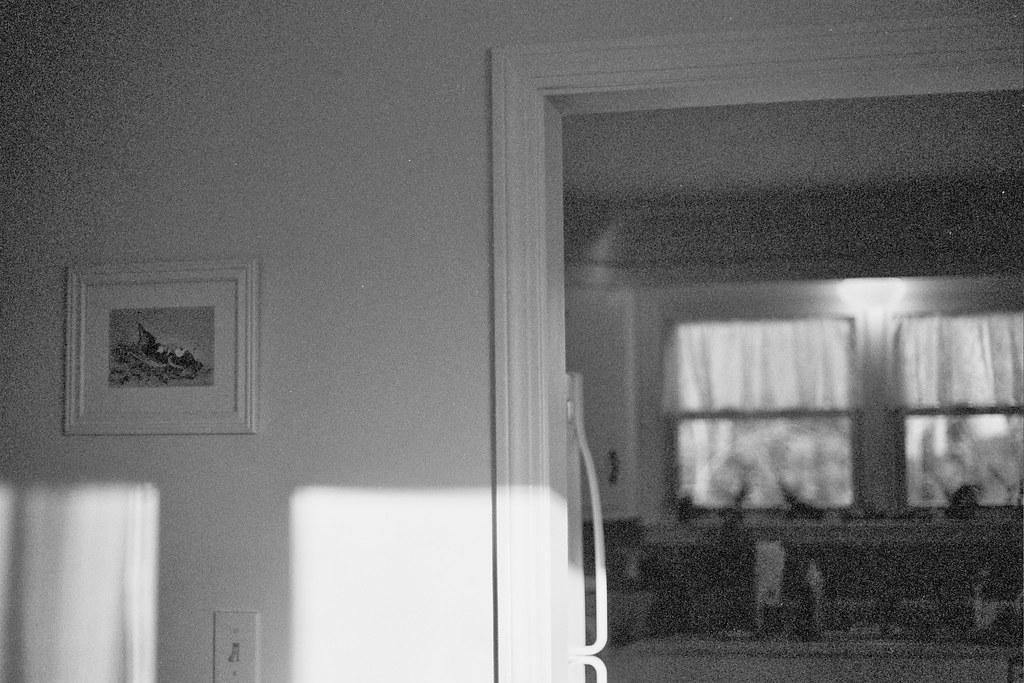
The aesthetic of the 21st century leans toward a sort of unearthly perfection, aided in part by the popularity of digital photography and Photoshop. I really like all the grain and imperfections from the expired film. You can replicate that look to some degree by tweaking digital photos in post-production, but it’s just not the same. I may have a new obsession. Here are my favorites from the two rolls:

Canon AE-1 Program 35mm camera // Kodak Professional CN400BW film //
Processed & scanned by Monadnock Imaging, Keene, NH
film // time capsule 1

film // time capsule 3

film // time capsule

film // time capsule 4

film // time capsule 7

film // time capsule 8

film // time capsule 9

film // time capsule 10

film // time capsule 11

film // time capsule 14

film // time capsule 12

film // time capsule 17

Follow:

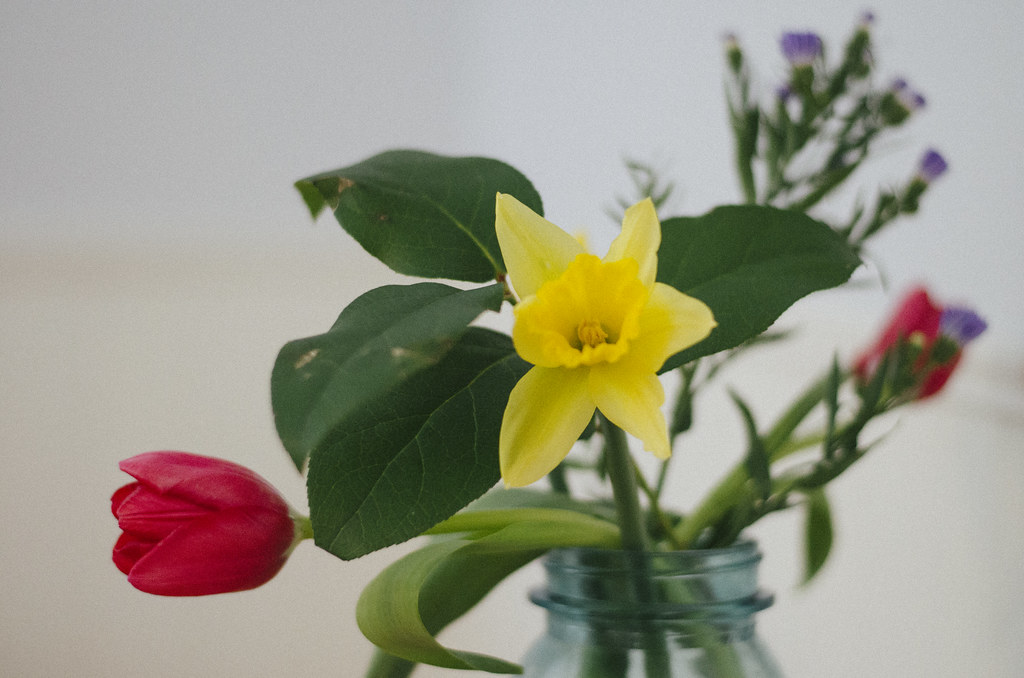
short story // early morning flowers

RAW // VSCO Film 01 // C-Kodak Portra 800 // Exposure +

short story // early morning flowers

short story // early morning flowers

short story // early morning flowers

short story // early morning flowers

short story // early morning flowers

Follow:

10 // 52

10 // 52 // Lillia

10 // 52 // Zane b&w

“A portrait of my children once a week, every week, in 2014.”

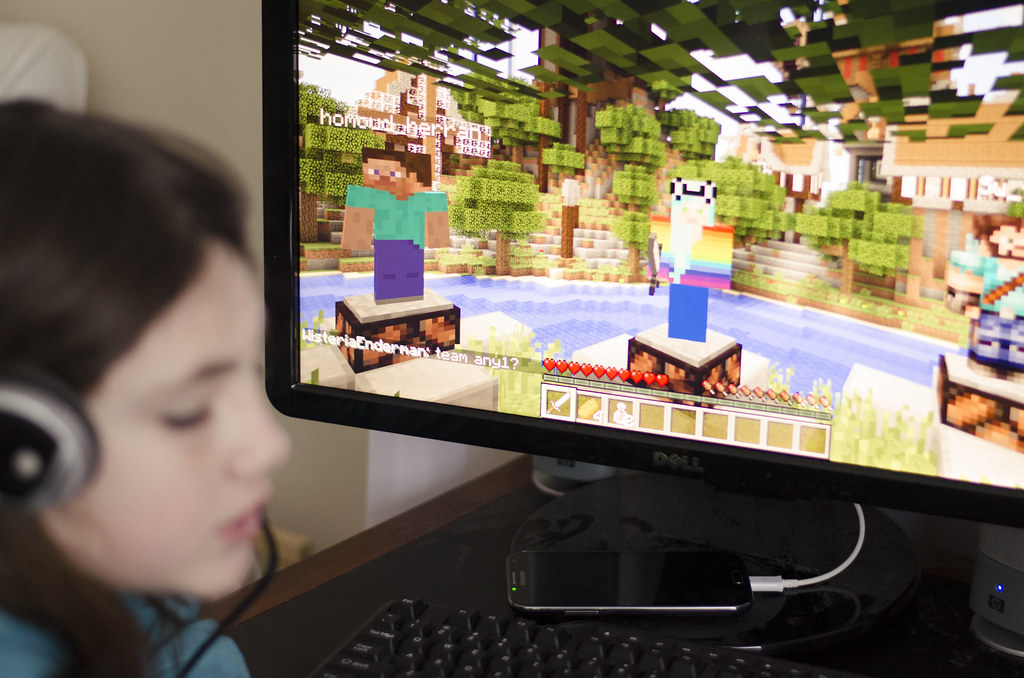
Lillia: This week you discovered the Minecraft PVP servers. You’ve spent a lot of your free time killing other kids Hunger Games-style, in the form of block people with block weapons. I struggle to accept this, but you don’t seem very bothered and enjoy the adrenaline rush. Someone has undoubtedly published a peer-reviewed journal article proclaiming the cognitive benefits of PVP games for kids, which will instantly put my mind at ease…I hope. This is actually a double portrait — you’re the rainbow colored character, too.

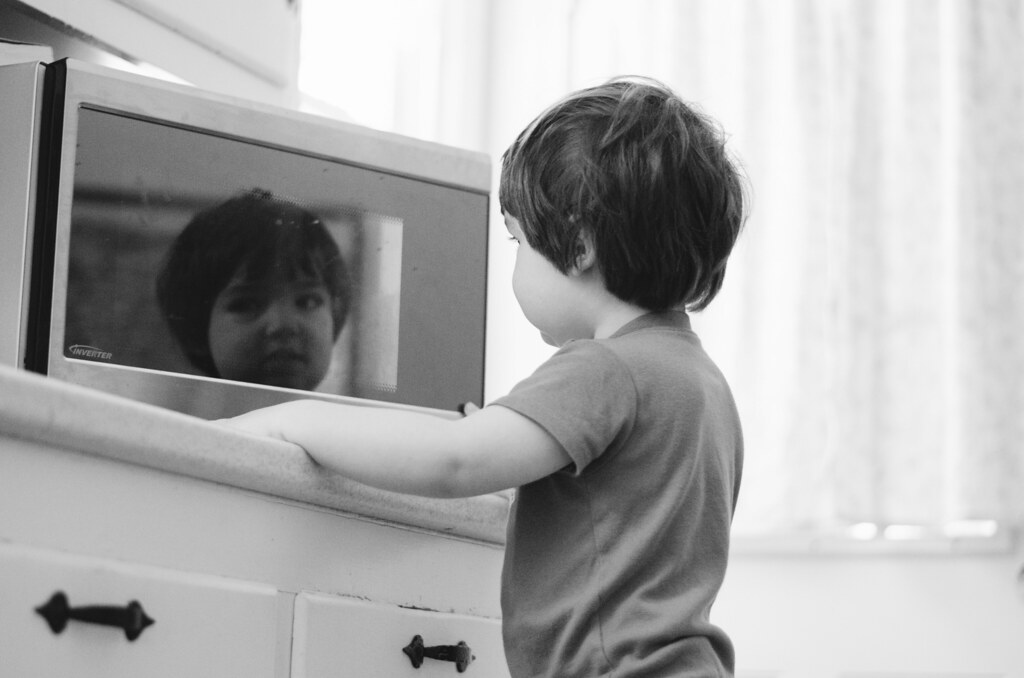
Zane: This week you mildly electrocuted yourself (my fault for not replacing that light bulb sooner) and I caught you eating more than a pea-sized amount of toothpaste, though not much more, thankfully. You’re a cat with nine lives and I know it’s only going to get worse the older you get. The upside of your sensory seeking personality is that your life will probably be full of adventure; the downside is that we will probably take more trips to the ER than is desirable (ideal number being zero).

Follow:

galaxy s4 + camera fv-5 app

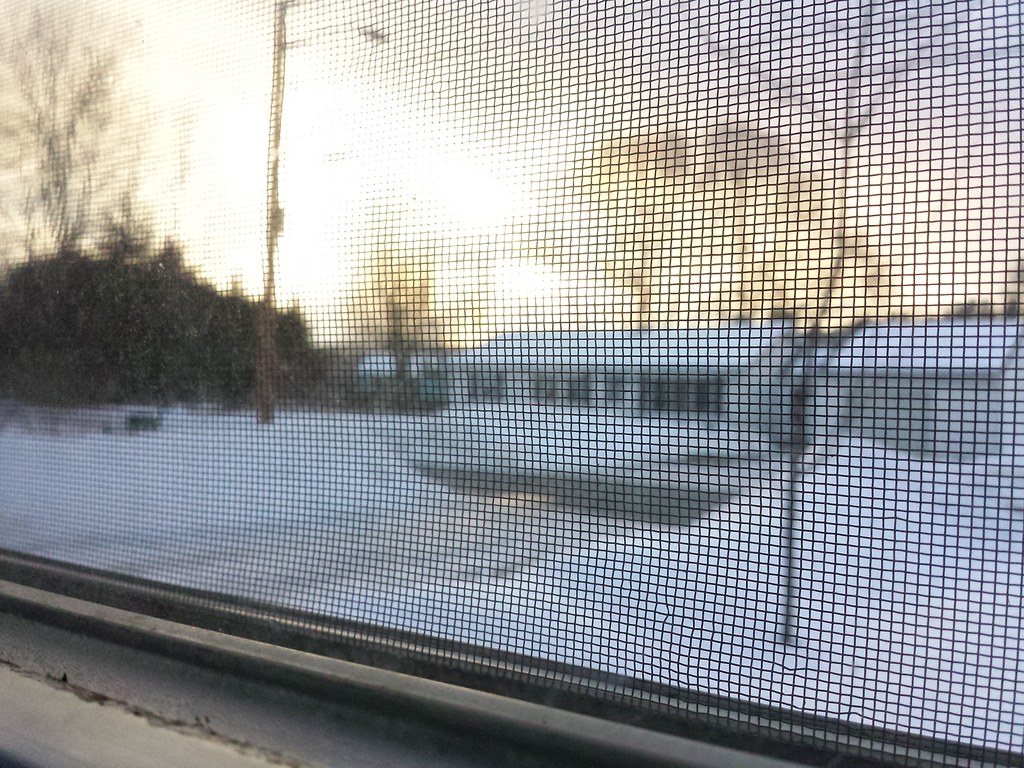
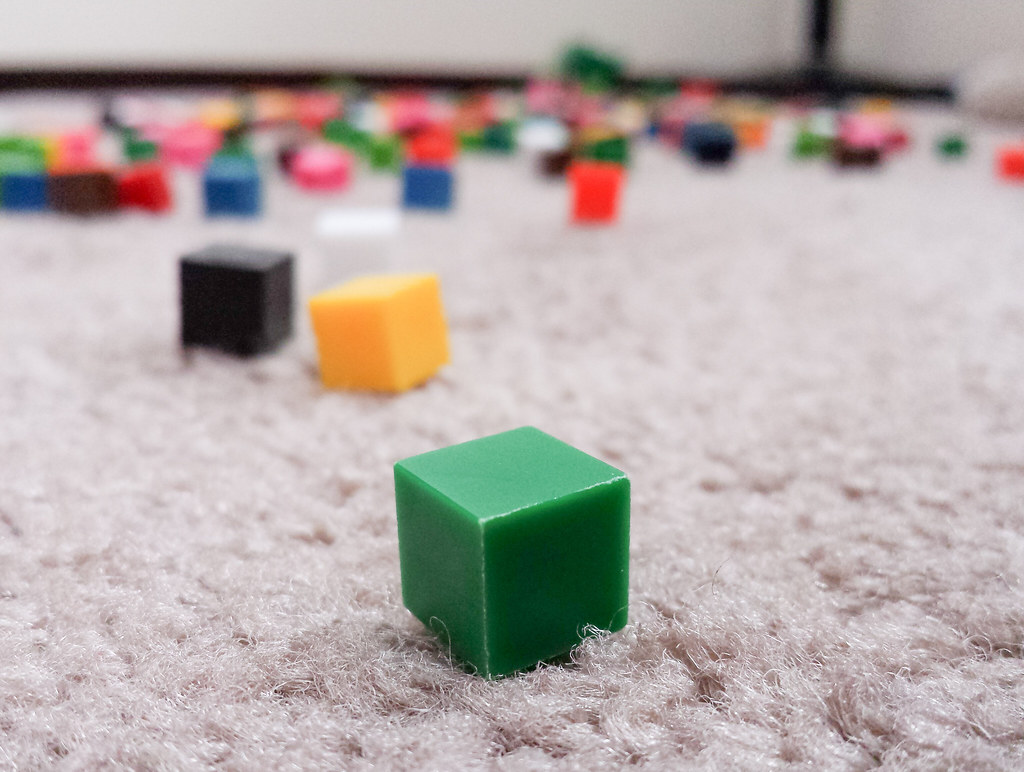
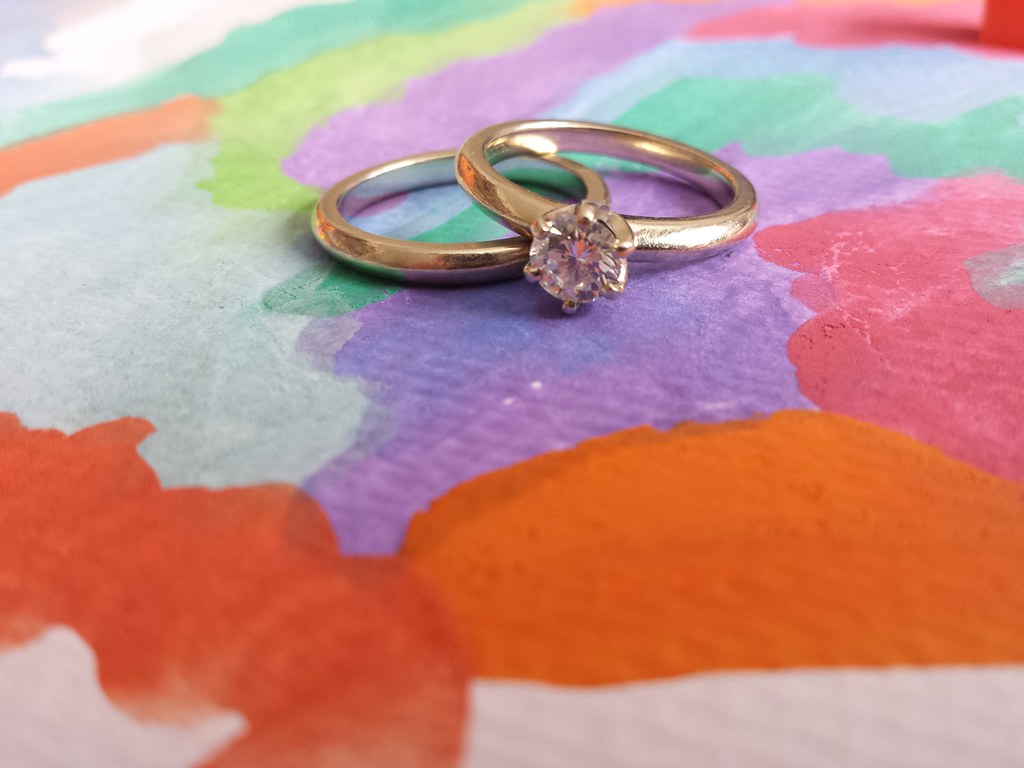
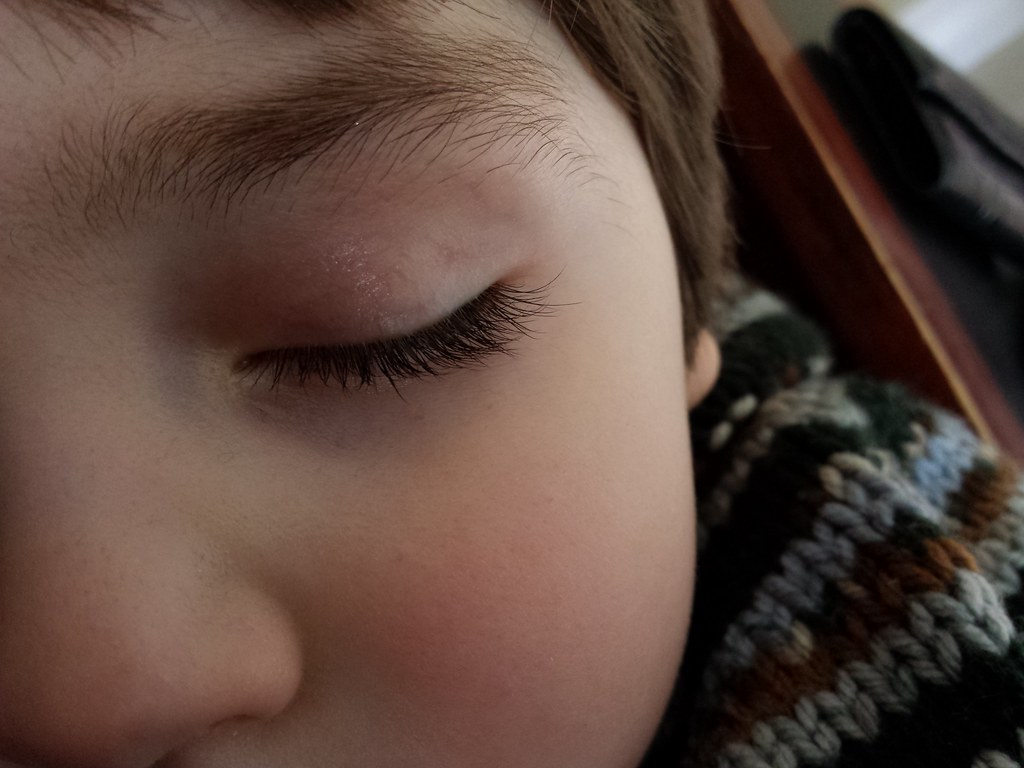
If you follow me on Instagram you’ve already seen most of these photos. But, I just had to share on the blog, too. A couple of months ago I upgraded to the Samsung Galaxy S4, which comes equipped with a 13MP camera (pretty much equivalent to a good point-and-shoot). I just couldn’t get the default camera app to do what I wanted, so I started hunting around for something better. The Camera FV-5 app had good reviews, and only cost $3.95, so I figured I’d give it a try.

I am so impressed! I’m not going to go into all the techie details, but I will tell you that my favorite features are the ISO sensitivity (which goes from 100 to 1600 — basically this is what controls the brightness of your photo), and the touch focus which allows you to tell the camera exactly what to focus on just by touching that area on the display. The default camera app does allow you to do “macro” type shots, but the touch focus on the Camera FV-5 app makes gives you so much creative control and allows you to take full advantage of the camera’s fixed aperture (f2.2) to create nice depth of field. I’m still trying to learn how to control shutter speed to take better pics of the kids.

I’m not going to be trading in my DSLR anytime soon, but this just proves that technology has progressed to the point where you can get really good photos with just your phone and a couple of apps (we’ve come a long way from the flip phone days). The final frontier is figuring out how to get better photos in low lighting. The phone still can’t do that without a ton of grain or a flash.

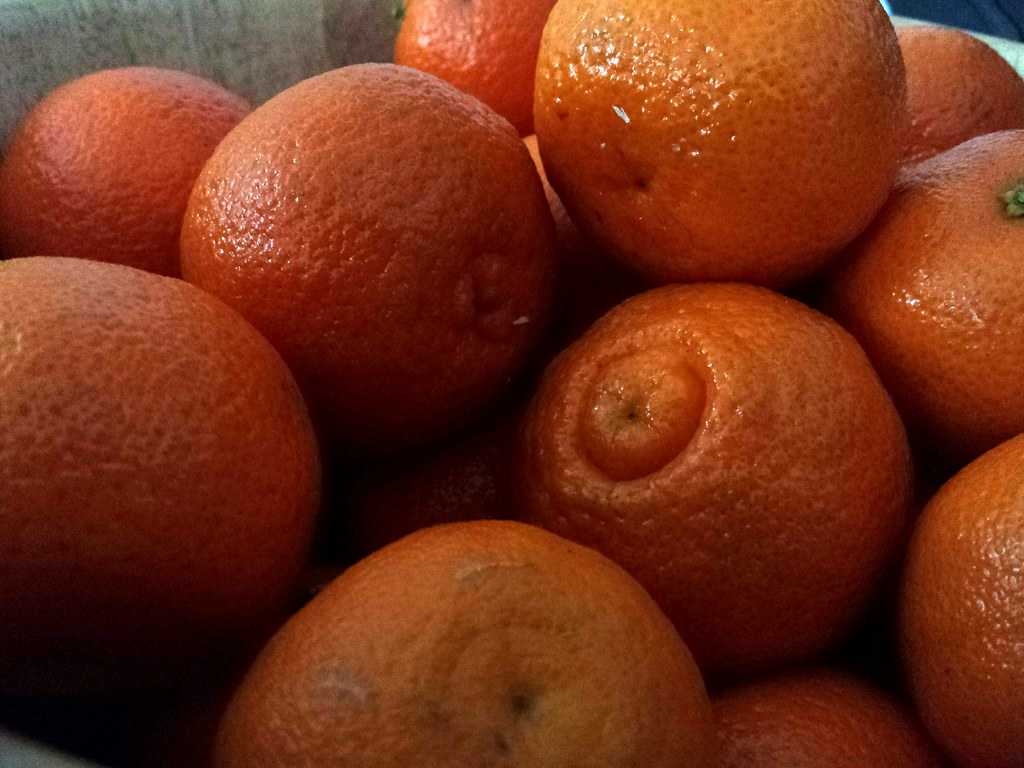
Here are some examples of what the Galaxy S4 and the Camera FV-5 app can do. The last one was made b&w with the Adobe Photoshop Express app, which is free, and the rest are “SOOC” or “straight out of camera” and unaltered. You can click through for larger sizes of each photo — even at 1024×768 they’re still crisp and clear and would look great printed out as 4×6’s:

clementines

winter sunset

blocks

zane

rings

eyelashes!

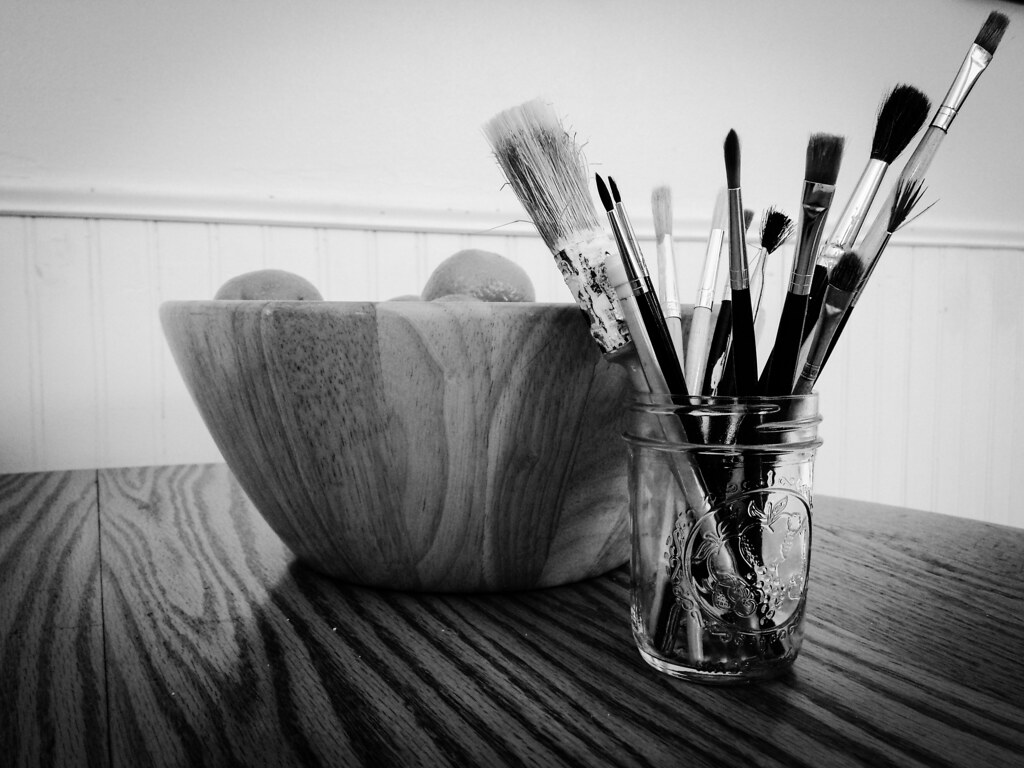
still life with brushes & clementines

Follow:

new remote + me

I just got a camera remote for the first time. It’s pretty neat.

RAW // VSCO Film 01 // Kodak TRI-X 400 // Grain (none)

selfie

Follow: